Piloting in metro Detroit
Local screens for local businesses.
RippleCast puts screens in the waiting areas and counters of neighborhood businesses and fills them with ads from the businesses around them.
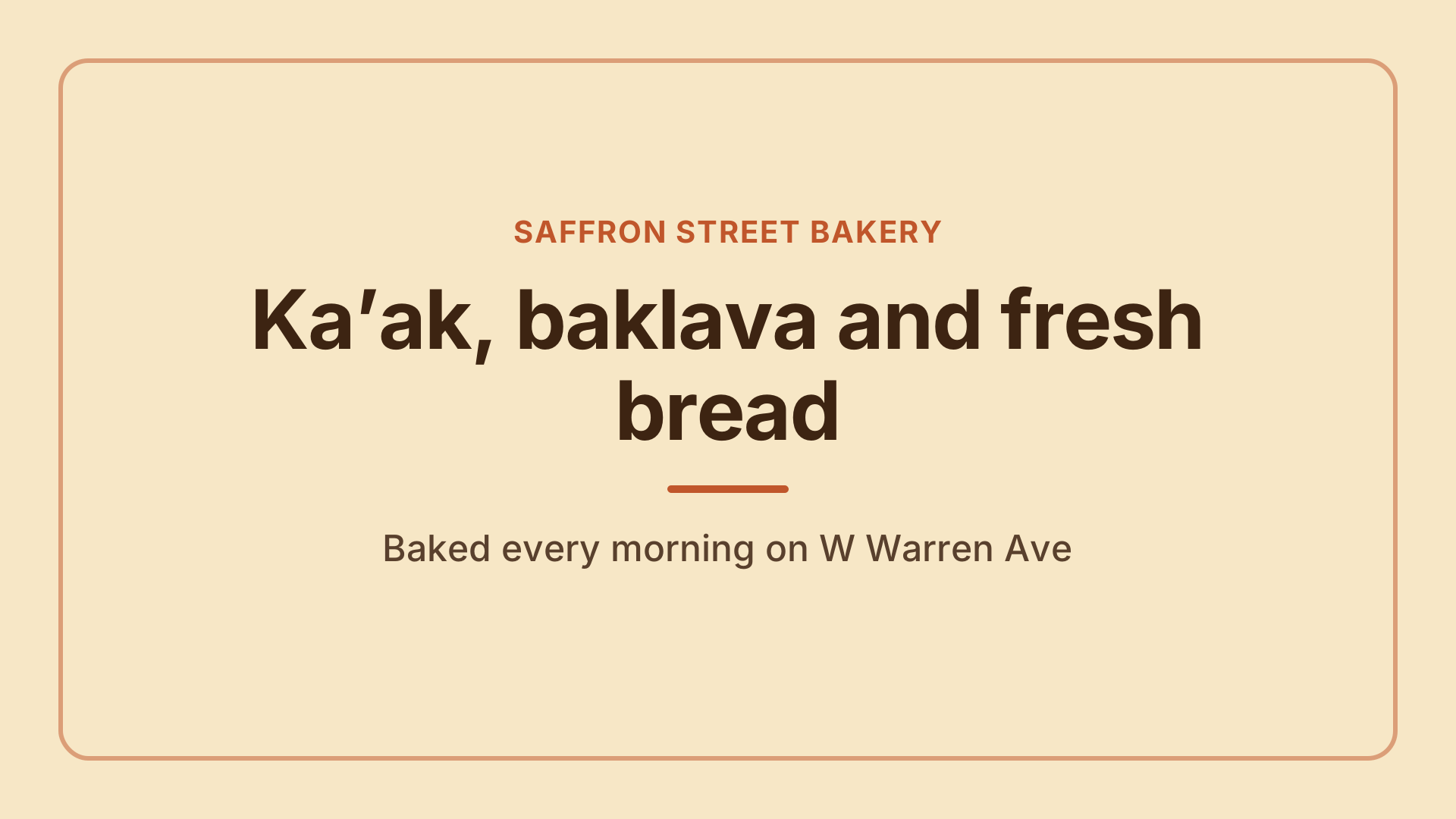
Example slide for a fictional business
How it works
One loop of local ads, on screens where people wait
- Step 1
Businesses host a screen
Barbershops, clinics, cafés, laundromats and other places where people wait get a screen near the counter or in the waiting area.
- Step 2
Local businesses book plays
Advertisers choose neighborhoods or specific venues, days and times. Every ad is reviewed by a person before it plays.
- Step 3
Every play is recorded
Each screen reports what it played and when. Reports and monthly statements are built from those records.
For advertisers
Reach the people around your business
Put your shop in front of customers a few streets away, while they are waiting with nothing else to look at.
- Choose where you play: a radius around your shop, whole neighborhoods, venue types or a hand-picked list of venues.
- See which screens are eligible and how many plays to expect before you request a booking.
- Proof of play by day and by venue, with a map of where your ad ran.
- Still images work great; short videos are welcome too.
Targeting on a map
Neighborhoods, venue types or individual venues.
Know before you book
Eligible screens and expected plays up front.
Reviewed ads only
A person checks every ad before it plays.
Proof of play
Where and when every play happened.
Set up for you
Screen and player configured by our team.
Your own promos
Specials, menus and events on your screen.
Co-op credits
Advertise on other hosts’ screens.
You stay in control
Block categories or competitors any time.
For businesses hosting a screen
A screen that works for your business
Give waiting customers something local to look at, promote your own offers, and reach customers at other businesses nearby.
- Show your own specials and events on your screen as house promos.
- Earn co-op credits to advertise on other hosts’ screens nearby.
- Block categories or competitors on your screen at any time.
- Screens play silently and follow your opening hours.
FAQ
Questions we hear most
What does advertising cost?
It depends on where and how often your ad plays. Tell us what you have in mind and we will send a quote before anything is booked.
Can I choose exactly where my ad plays?
Yes. You can target by distance from an address, by neighborhood or city, by venue type, or pick individual venues. You see the eligible screens before you submit.
Who decides which ads appear?
Every ad is reviewed by our team against a content policy before it can play. Hosts can also block categories or specific advertisers on their own screens.
Will my competitor’s ads play in my business?
No. Hosts do not show ads from businesses in the same line of work, and can widen that protection.
Do the screens play sound?
No. Screens are silent, so they fit into waiting rooms, counters and dining rooms.
What do I need to make an ad?
A 1920×1080 image, or a short landscape video. If you do not have a designer, talk to us.
Want your business on the loop, or a screen in your shop?
Tell us a little about your business and we will get back to you.